What Is a K-pop Lightstick? How It Works and Syncs at Concerts
A beginner's guide to K-pop lightsticks: what they are, how official ones sync with the show at concerts and why fans buy them.
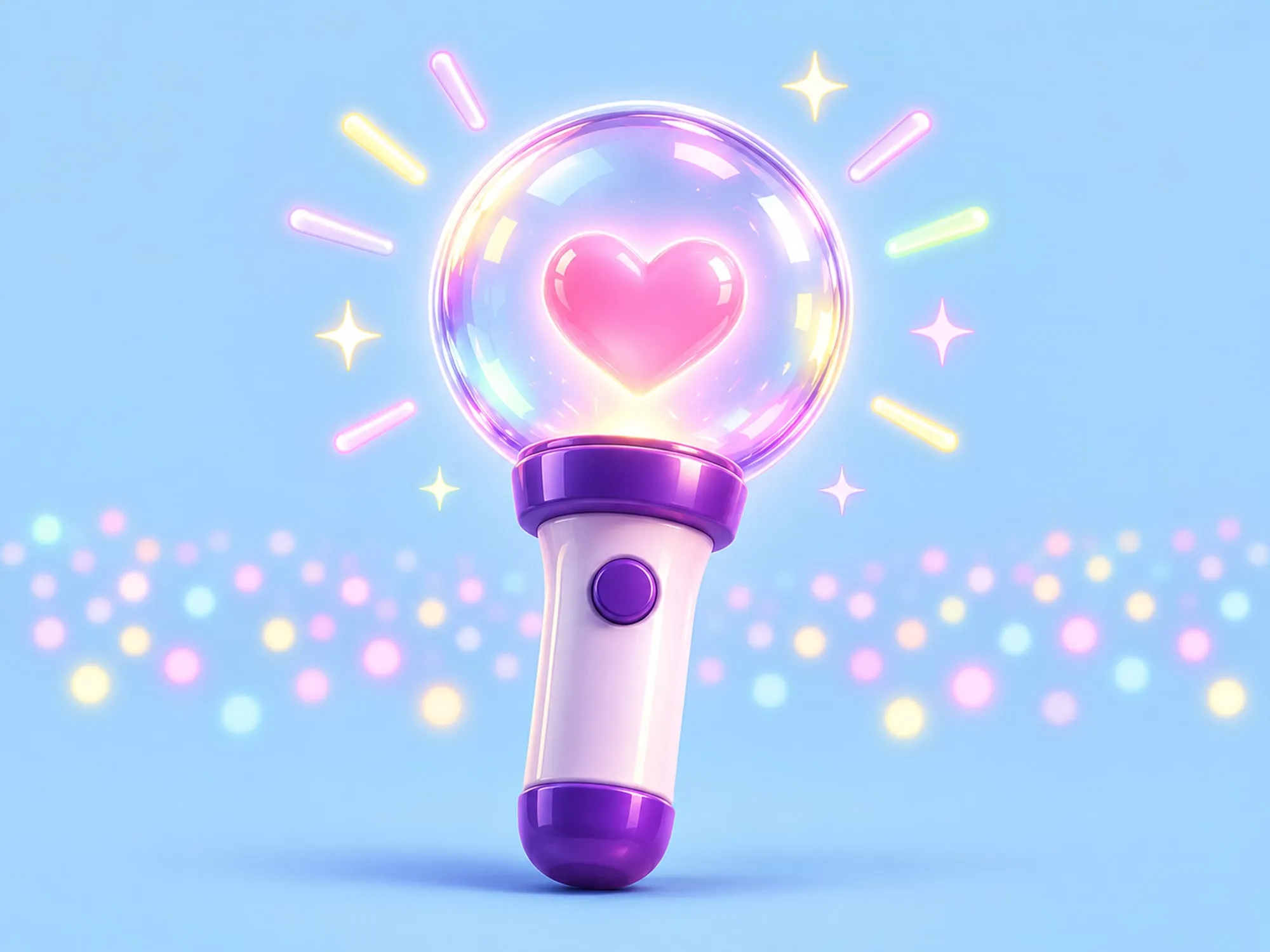
At almost any K-pop concert, the crowd is full of glowing lightsticks. Here is what a lightstick is, how thousands of them change color at the same moment and why so many fans decide to buy one.
What is a K-pop lightstick?
A lightstick is an official handheld light designed for one specific group or soloist. Fans wave it at concerts, fan meetings and other events to cheer and to show which fandom they belong to.
Unlike a generic glow stick, each lightstick has its own design, usually built around the artist’s logo, symbol or official color. Many also have a name of their own. BTS’s lightstick, for example, is called the ARMY Bomb, and several names end in “bong”, the Korean word for “stick”.
Agencies often release updated versions over the years, which is why you will see fans talk about “version 2” or “version 3” of the same lightstick.
How lightsticks sync at concerts
At many concerts, the lightsticks in the audience change color, blink and fade together, in time with the music. Nobody in the crowd is doing that by hand. The production team controls the lights wirelessly, a system usually called central control.
How you get ready depends on the artist, the tour and the lightstick model. For some shows, fans are asked to:
- Download the official app named in the concert notice.
- Connect the lightstick to their phone, usually over Bluetooth.
- Register their seat so the system knows where each light will be.
For other shows, it is enough to switch the lightstick to the right mode at the venue. Follow the steps in the official notice for your concert.
When each lightstick is linked to a seat, the crew can treat the audience like one giant screen, with waves, gradients and even words or shapes moving across the stands.
Not every show uses this system, and older versions of a lightstick may not be compatible with newer tours. Always check the official instructions before the concert.
Lightstick modes at a glance
Names and features change from model to model, but many recent official lightsticks can be used in three ways.
| Mode | What it does | When fans use it |
|---|---|---|
| Manual | You change the color or blinking pattern with the button | At home, at fan events or at shows without sync |
| App (Bluetooth) | On models that support it, you pick colors and effects from the official app | At home, or to set up before a concert |
| Concert | The production controls the light in time with the show | At concerts with central control |
Why fans buy a lightstick
You do not need a lightstick to enjoy a concert, but many fans see it as a key part of the experience.
- Being part of the show. With sync turned on, the crowd becomes part of the stage design.
- Fandom identity. Holding the same light as everyone around you is an instant sign of belonging. Fans often call the sea of lights that fills a venue an “ocean”.
- Support for the artist. It is official merchandise, so buying one is also a way to back the group.
- A collectible. The designs are distinctive, so many fans keep their lightstick on display at home between concerts.
Tips before your first concert
- Buy from the official shop or an authorized seller. Unofficial copies usually cannot sync with the show.
- If you are buying secondhand, confirm which version the concert supports first.
- Check how your model is powered and arrive with fresh batteries or a full charge.
- If your concert asks you to pair the lightstick or register your seat, do it before you leave home, in case the connection at the venue is slow.
- Hold it at chest or shoulder height so you do not block the view of the people behind you.